Supplier
Order
Automation
Every order,
in its own place.
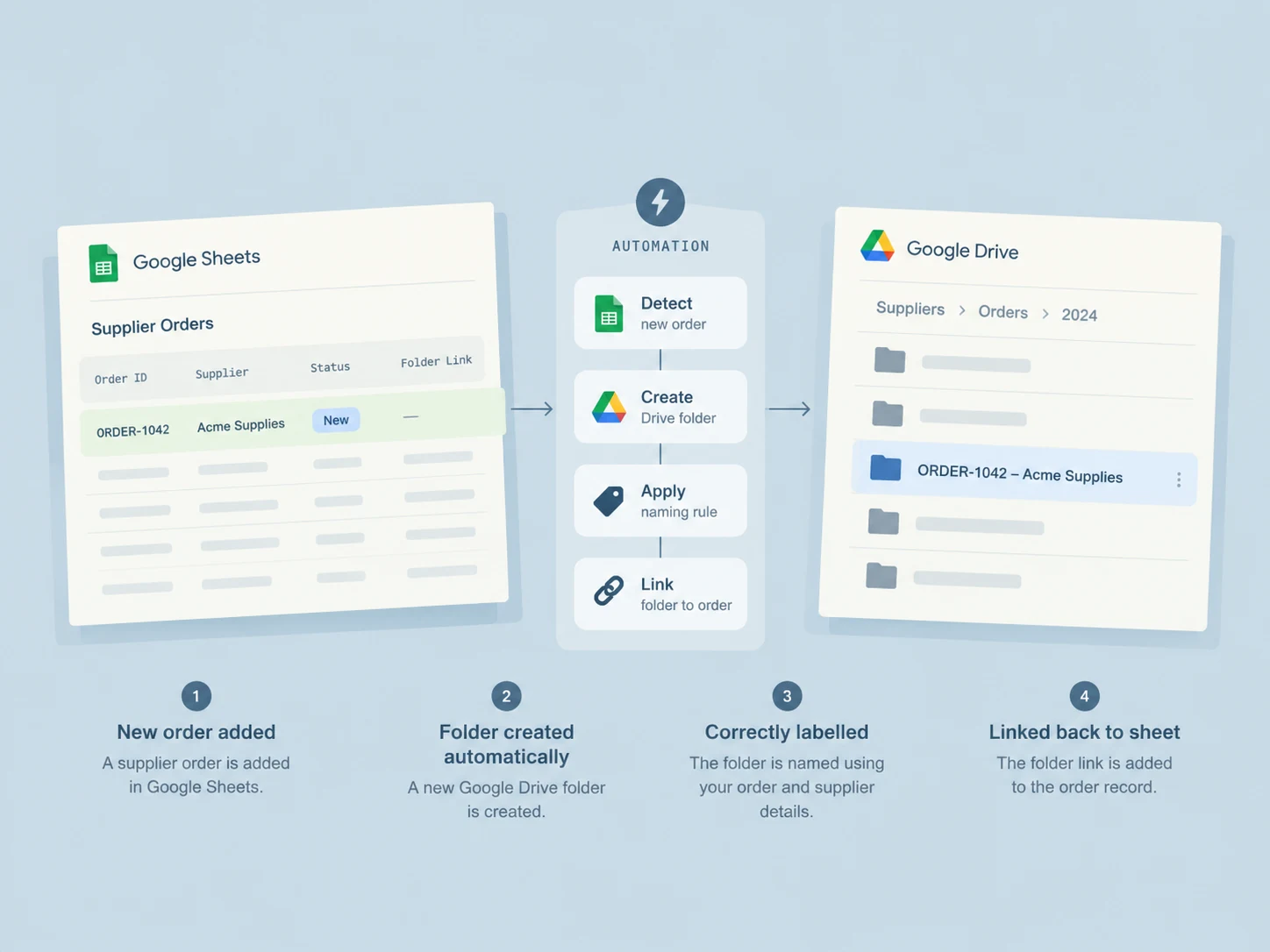
For my own studio, I connected a Google Sheets order tracker to Google Drive. Recording an order creates its correctly named folder and returns the folder URL to the same row.
Back to projectsA reference
is only useful
if you can find the work.
Order details already lived in Google Sheets. Creating a second folder by hand, naming it and finding its link added repeated work. I made the order row the starting point and the place to return to.
The row starts it.
The link completes it
Record the order.
Your order tracker.
This workflow model uses a fictional Google Sheets order. The folder URL returns to this same record. No separate list of links to maintain.
Order 104
A folder named to your convention,
connected to the right order.
This local view follows the selected row’s reference.
Find the reference.
Find its place.
The useful result is an organised connection, with the same identifier on both sides.
The selected order points to its own folder. The tracker remains the place to find the files.
Workflow example / the folder selection follows the order reference.
One repeated task.
A clearer place for the work.